Two campaigns, one trust gap
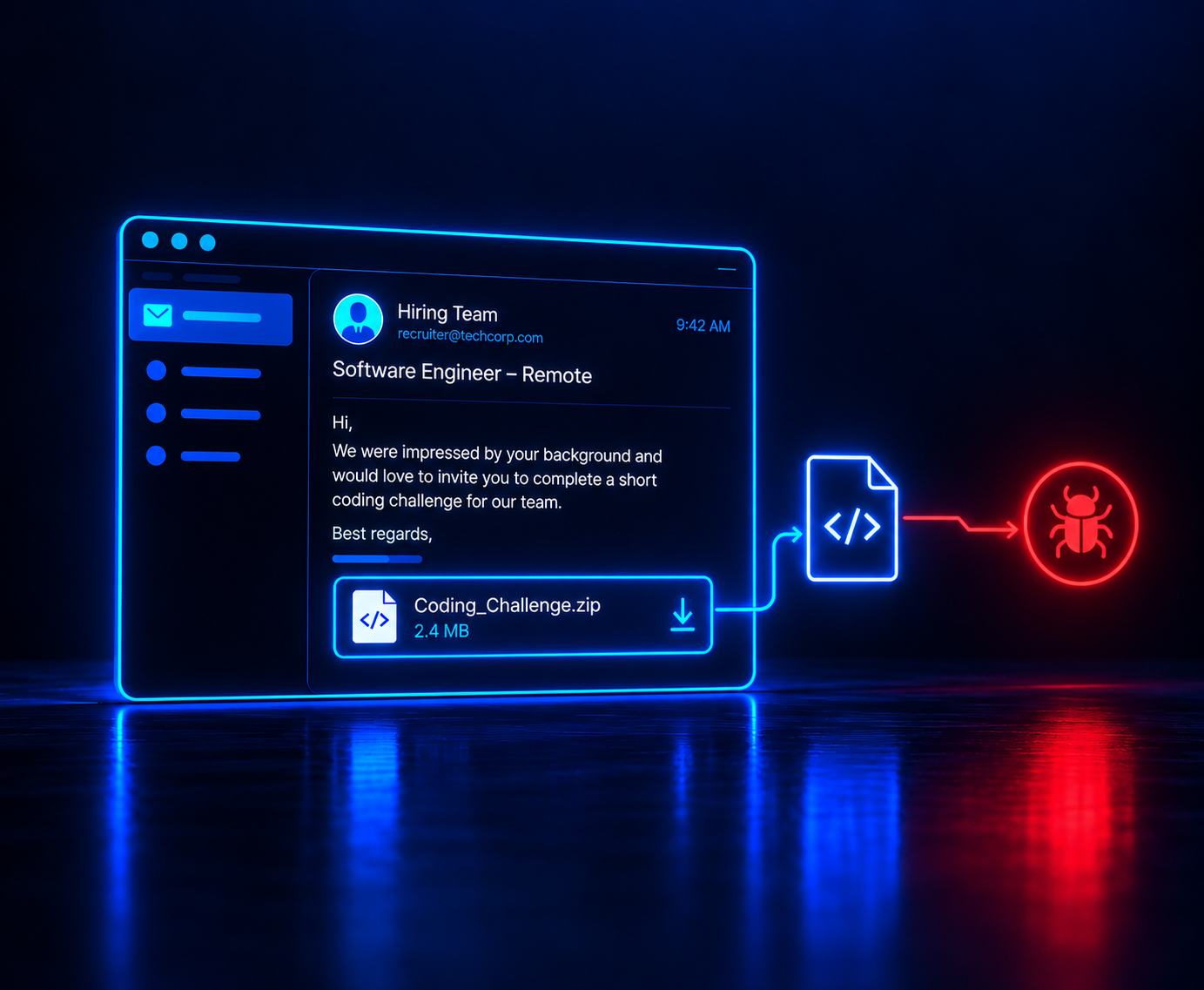
Cyderes' Howler Cell research team documented two active campaigns built around this pattern on September 10, 2026. Both use recruitment as the way in, not as bait for a link, but as the pretext for a file a candidate would download anyway.
One campaign is run by a financially motivated group operating out of Vietnam. Its lure arrives as a file named "Apex Job Description.zip" or "Apex Company Job Information.docx." Cyble's own March 2026 research, also cited in Cyderes' report, ties this campaign to targets across India, Bangladesh, the Netherlands, Sweden, and the United States.
It delivers a remote access trojan called PureRAT, also tracked as ResolverRAT, and overlaps with a separate PXA Stealer campaign documented in March 2026. The second campaign remains unattributed, and its lure is a file called "Job Interview.zip."
That file unpacks into a shortcut disguised as a PDF named "Job Interview.pdf." It delivers a custom-built implant with its own command and control infrastructure and surveillance capabilities.
Both campaigns lean on formats already built into Windows rather than a custom installer: ZIP archives, shortcut files, and HTML application files. None of those raise the same suspicion a .exe attachment would, because job seekers routinely receive zipped portfolios and PDF-branded documents as part of a normal application process.
Both rely on the same insight, stated directly in Cyderes' report: a recruitment message arrives in a context the target has already decided to trust. Neither campaign needs more than one click.
Once opened, the file works to avoid detection rather than to look convincing. It deletes the mark that would trigger Windows SmartScreen and loads through a legitimate application to dodge reputation checks.
It also schedules itself through a mechanism that skips normal process-creation logging, and disables the monitoring tools built to catch scripts like it. The Vietnam-linked campaign installs three separate, self-repairing ways back in, so removing one doesn't remove the access. Four scheduled tasks, disguised with names like "TokenCleanup" and "AppHostSvc" to look like routine system maintenance, cover one path.
A Windows Management Instrumentation subscription covers the second, and a hijacked system component covers the third. Each one can relaunch the malware on its own, independent of the other two.
Why phishing-trained employees still click
Security awareness training teaches people to spot things that already look like attacks: urgent tone, a mismatched sender domain, a request for a password or a wire transfer. A job offer sets off none of that.
It's addressed to the candidate by name and references their actual experience. It asks for exactly what job seekers already do: click a link to a coding test, open a portfolio review, download a role brief.
Job seekers aren't naive about this. A Monster survey of 884 full-time U.S. workers, conducted in March 2026, found that 95 percent had already encountered a suspicious job offer.
That figure measures general scam exposure, not detection of this specific technique. The gap between the two is the point: suspecting some offers are fake doesn't stop someone from opening a file that looks like a normal part of hiring.
Trust broke here, not technology: the target decided the message was safe before it even arrived, a different failure than missing a fake domain.
What this means for security teams
Technical controls catch some of this after the fact. Blocking the loading technique this malware uses and enforcing the mark that flags downloaded files both help narrow the window an attacker has once the file runs. So does watching for tools that disable script monitoring.
None of them stop a candidate from opening the file in the first place, and this technique was built specifically to slip past several of those layers.
Cyderes' researchers make a point worth keeping. No single control caught this campaign end to end.
Each stage only became visible because a different layer of monitoring happened to be watching for that specific technique. That layered visibility, not any one control, is what let researchers reconstruct the attack at all.
For technical teams, that means watching for three specific things: scheduled tasks disguised as system maintenance, unexpected WMI event subscriptions, and COM hijacking of common system components. Those are the exact persistence paths this malware used, not generic behavioral alerts.
Simulating this in an awareness program looks different from a typical phishing test. There's no credential form to fill out and no link to hover over. The useful signal is whether someone opens the file or reports the message, not whether they type a password.
It also carries a risk a fake invoice doesn't. Employees who are genuinely job hunting could read a simulated offer as real and feel misled rather than tested. A program built around this needs clear scope, consent, and a debrief that treats a click as a training moment, not something to publicize as a failure.
That tradeoff is worth sitting with rather than resolving in the abstract. An attack built around an opportunity, not a threat, asks something different of a training program than one built around urgency. Getting that difference right matters more than adding one more simulation template.
This reflects the same question Zepo keeps coming back to: the message that gets through is the one the reader wanted to open, not the one that looks dangerous.


.png)
.png)
.png)

.png)
